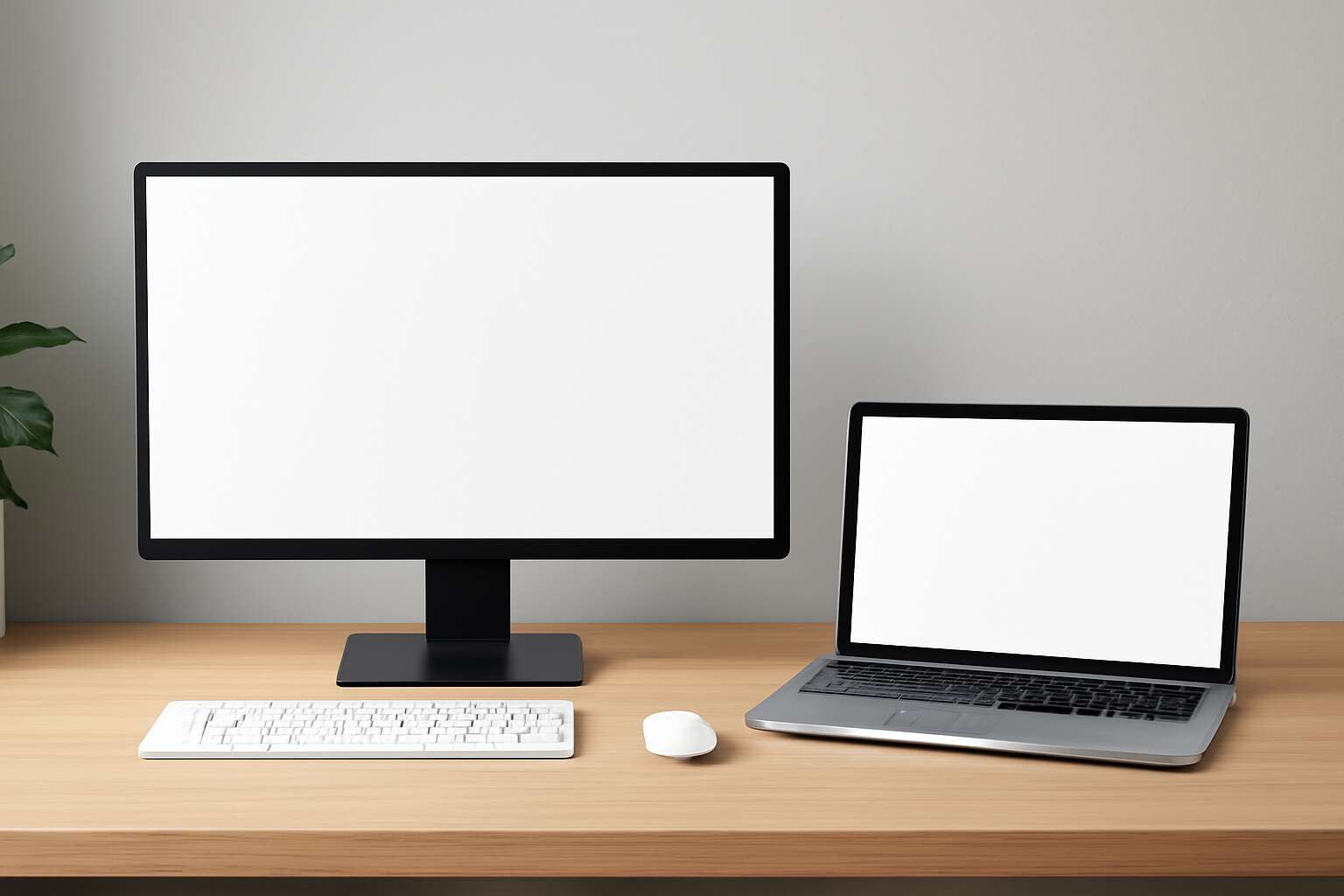
Desktop vs Laptop: A Comprehensive Outline
Performance and hardware differences
Power travels with the device chosen, and the desktop computers vs laptops debate isn’t about size—it’s about how people work. In South Africa, teams balance desk-bound performance with mobility, guarding uptime during load shedding and long hours at a desk.
Performance and hardware differences matter day to day. Desktops offer stronger CPUs and GPUs, cooler operation, and easier upgrades. Laptops win on portability and fast wake, but heat and battery life shape real use.
- Performance headroom: CPU/GPU power for heavy tasks
- Upgrade paths: desktops allow easier RAM, storage, GPU upgrades
Total cost of ownership follows the same pattern. Desktops often deliver more value and longer life when power is steady, while laptops save space and enable remote work. Power reliability and ergonomic setup quietly shape the choice.
Portability, battery life, and usability
“A reliable device is a quiet productivity engine,” I like to say, especially for teams in South Africa juggling uptime during load shedding and long hours. Portability changes how work flows, letting people move between desks, meeting rooms, and remote sites without missing a beat!
When weighing desktop computers vs laptops, portability becomes a practical metric. Battery life, heat management, and wake times quietly shape daily routines as power reliability ebbs and flows, guiding when and where a screen is needed for focus or collaboration.
In real terms, usability differs by context. For example:
- Portable setups that adapt to outages and travel
- Keyboard and screen comfort for long sessions
- Docking and multi-monitor flexibility at the office
Choosing the right form factor is a matter of rhythm, not just scale—how teams think, collaborate, and endure the day.
Cost, upgradability, and total cost of ownership
In the theater of budgets, the true spell is total cost of ownership, not the sticker price. “Cost is the future you must fund,” a seasoned manager often whispers as screens glow after hours. When weighing desktop computers vs laptops, the decision unfolds across upgrades, energy, and downtime—the long game that refines the quarterly ledger.
Upfront price is only the overture; the real music comes from how long the instrument lasts and how easily it can be updated. Consider these factors as you plan for a South African office:
- Upfront price versus long-term value
- Upgrade paths and hardware longevity
- Maintenance, warranties, and downtime costs
- Power consumption and cooling needs
Locally, resilience and support networks tilt the balance, with desktop configurations often favoured for upgradeability and laptop bundles winning on mobility—each path shaping the total cost of ownership.
Use-case scenarios and buyer personas
“The real value isn’t the box—it’s the story it tells your team every day,” says an IT lead. In the dance between desktop computers vs laptops, the tempo hinges on where work happens and who carries the load.
In South Africa, three use-case clusters shape expectations:
- Office admin at fixed desks
- Creative teams in studios
- Sales and field techs on the move
Meet the buyer personas: the Central Office Strategist values stability; the Remote Worker cherishes mobility; the Tech-Savvy Manager seeks reliable maintenance.
Ultimately, the choice is a living case study that mirrors the South African landscape, where resilience and support networks influence what teams actually adopt.
Software ecosystems and compatibility considerations
The software story outlives the hardware; it dictates uptime, licensing, and morale. When comparing desktop computers vs laptops, the software ecosystem becomes the real deciding instrument. “The box is a stage for your team’s work,” says an IT lead, and the act on that stage is compatibility, update cadence, and the heartbreak of a stalwart app failing at the worst moment.
In South Africa, the ecosystem leans toward stability—Windows pipelines dominate, with quiet corners of macOS in creative studios and Linux in development labs. Licensing models, virtualization needs, and remote access shape what fits where. Cloud-native tools help bridge gaps, but offline capability and local support remain critical for rural deployments.
- Cross‑platform support across Windows, macOS, and Linux
- Legacy software compatibility and virtualization options
- SaaS alignment with offline modes for field teams
Software compatibility becomes a living criterion; it hums in the background of every device choice and reflects a nation’s resilience, not merely its hardware.




0 Comments